Online demo
Open the HoHu demo. Available features depend on the instance configuration and account permissions. Use the sign-in information displayed by the demo entry point.
Suggested tour
- Explore users, roles and departments to understand how accounts and permissions are organized.
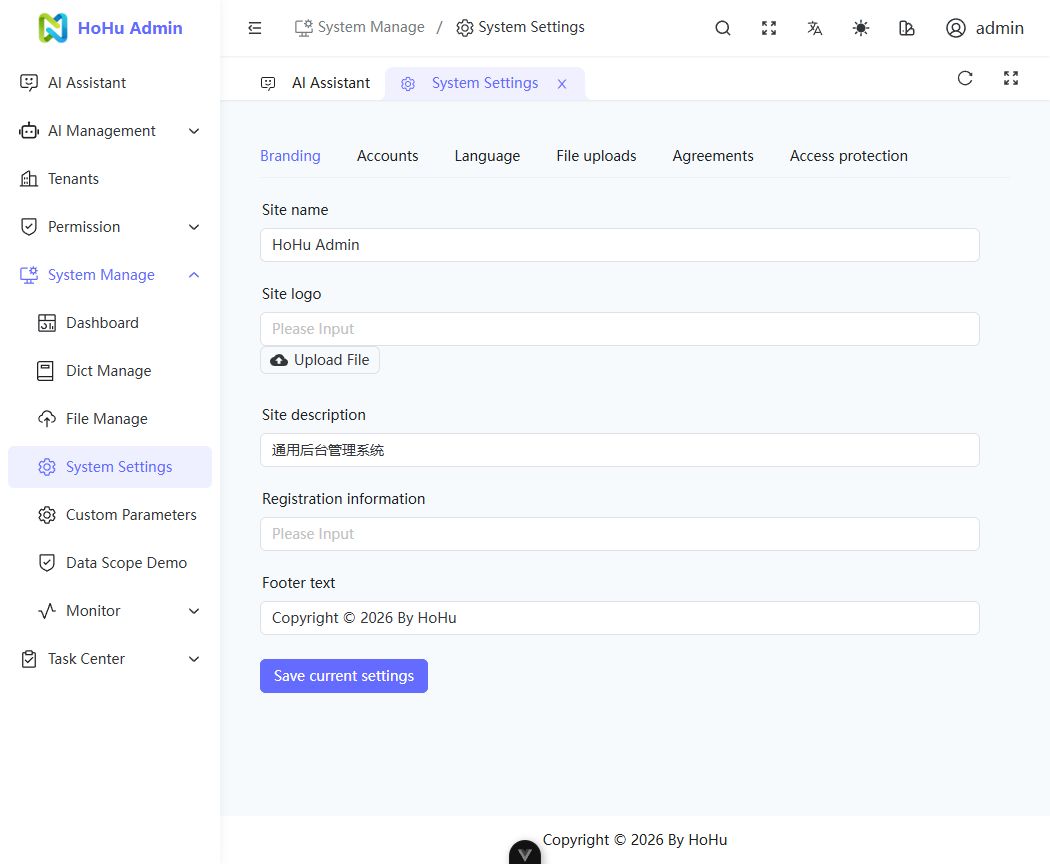
- Open system settings for brand, account, language, file and security options. Read the settings guide before making changes.
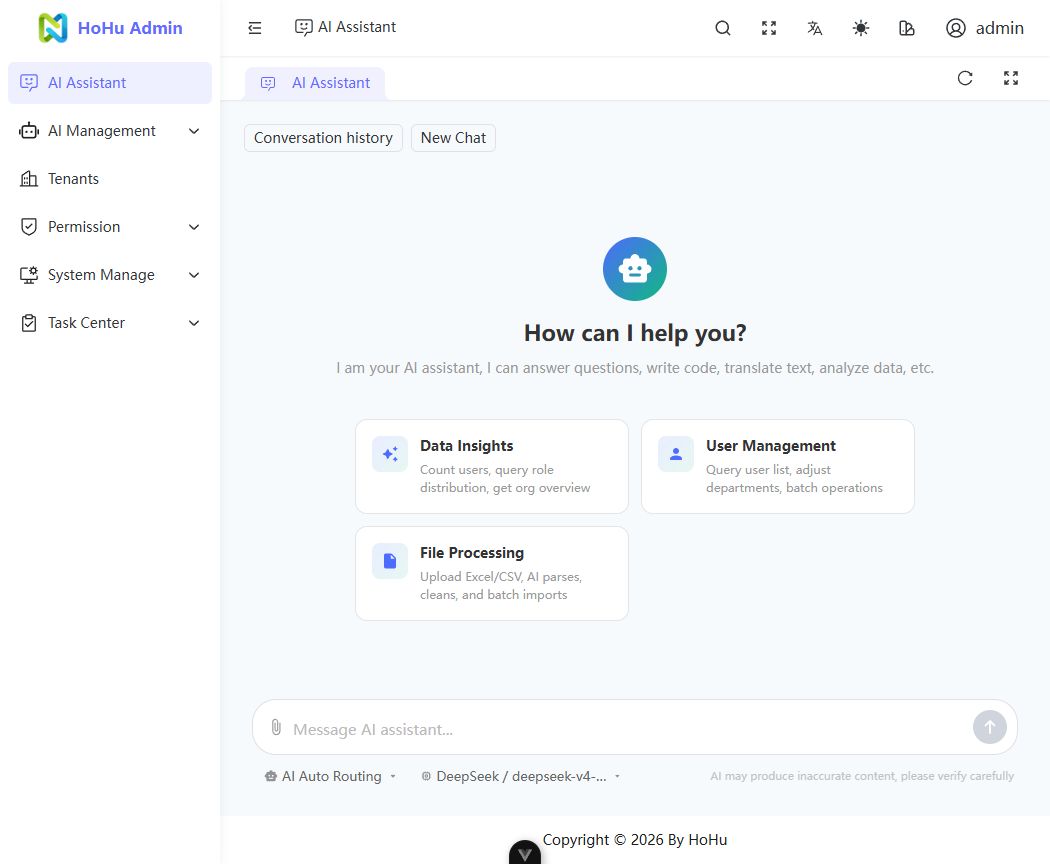
- Open the AI assistant to see available assistants. Models and tools are configured by the instance administrator; see the AI guide.
Use sample content in the public demo. To keep your own configuration and data, create a local environment or deploy your own instance.
Product interface
These screenshots show the actual HoHu interface. Menus and assistants depend on the instance configuration.